Team Collaboration
Team Collaboration
Work with your team to manage opportunities and review applications.
Team roles
Artsume has four roles with different access levels:
Owner
- Full access to everything
- Manage billing and subscription
- Delete organization
- Only one owner per organization
Admin
- Full access except billing and deletion
- Manage team members
- Create and manage opportunities
- Review all applications
Editor
- Create and edit opportunities
- View and manage applications
- Cannot manage team or billing
Reviewer
- Review assigned applications only
- Score and comment
- Cannot edit opportunities or see unassigned applications
Invite team members
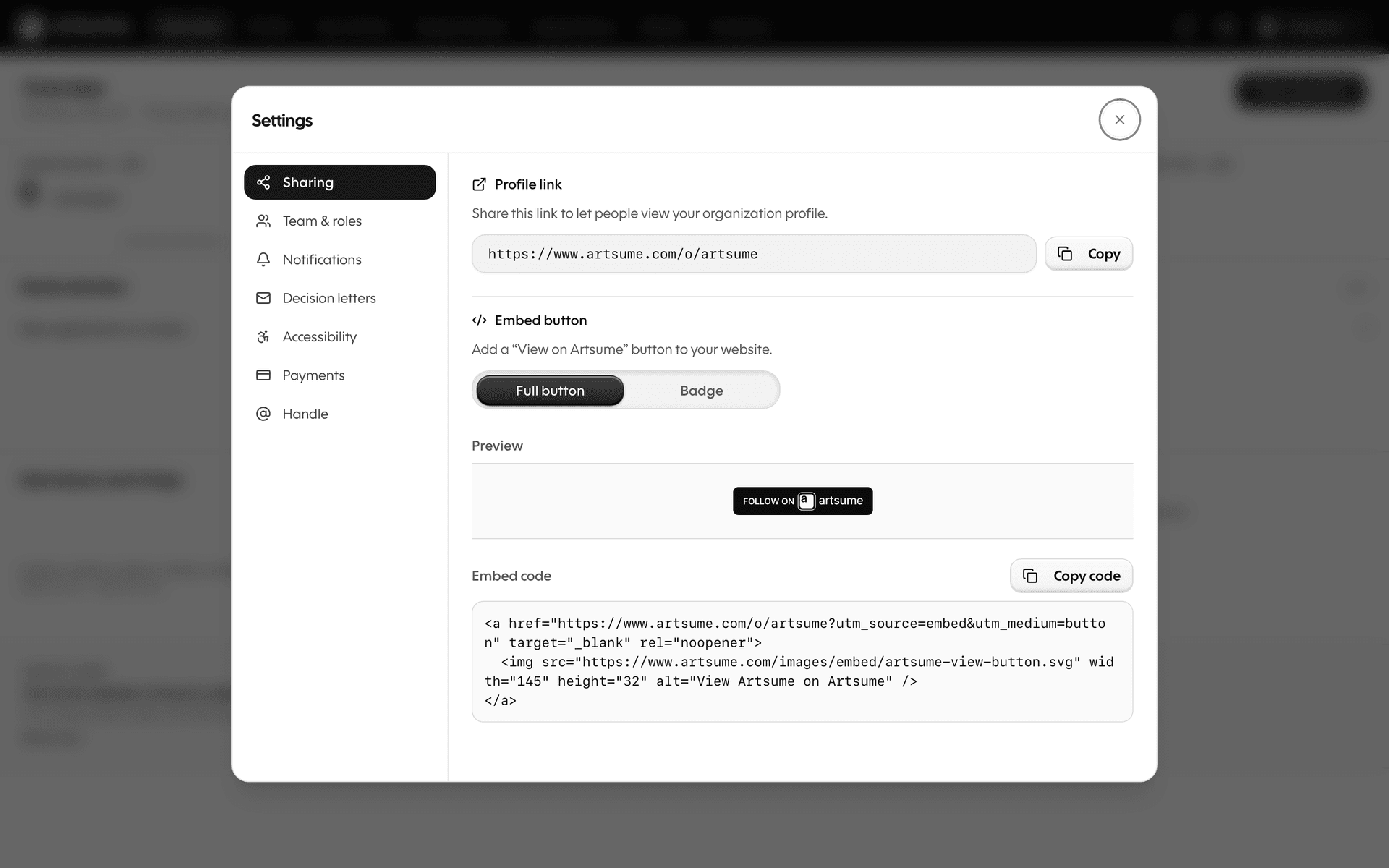
Team membership lives inside the settings modal — open it from anywhere on Artsume.
- Click your organization menu (top-right of the page)
- Choose Settings → Team & roles
- Click Invite Member
- Enter their email address
- Select their role
- Send invitation
They'll receive an email with instructions to join. If they don't have an Artsume account, they'll create one.
Manage existing members
From Settings → Team & roles:
- Change role: Adjust someone's access level
- Remove: Revoke access immediately
- View activity: See what they've done
The settings panel opens over whatever screen you were on, so you can manage the team without losing your place.
External reviewers
For outside jurors or panelists:
- Invite them as team members with Reviewer role
- Assign specific applications to them
- They only see what you assign
- Remove access after the review cycle
This keeps external reviewers focused on their assigned work without seeing your full applicant pool or organization details.
Application assignment
Distribute applications among reviewers:
Manual:
- Select applications from the list
- Click Assign
- Choose reviewers
- Each reviewer sees only their assignments
Automatic:
- Set up distribution rules
- Applications assigned evenly as they arrive
- Useful for high-volume opportunities
Review coordination
Keep your review process organized:
Set deadlines: When reviewers need to complete scoring
Monitor progress: See who has reviewed what
Send reminders: Nudge reviewers who are behind
Discussion tools: Comments and notes on applications visible to the review team
Communication
Internal notes:
- Add notes to applications that only team members see
- Flag applications for discussion
- Tag team members for attention
Team notifications:
- Email alerts when applications arrive
- Notifications when reviews are complete
- Deadline reminders
Best practices
- Clear roles: Make sure everyone knows their responsibilities
- Consistent criteria: Align on evaluation standards before reviewing
- Regular check-ins: Meet to discuss edge cases and calibrate
- Document decisions: Use notes to record reasoning
- Timely feedback: Keep the review process moving
Frequently Asked Questions
What's next
- Reviewing Applications: The review process in detail
- Creating Opportunities: Set up opportunities for your team to manage
Topics
Related Tutorials
Affiliated Artists
Manage the artists connected to your organization: verify CV claims, handle disputes, and track the lifecycle of every association.
Best Practices
Best practices for artists and organizations on Artsume: profile optimization, portfolio presentation, application strategies, and review processes.
Creating Your Profile
Build your Artsume artist profile: handle, disciplines, statement, visibility, and images. Step-by-step setup guide.