Artist Portfolio Website: How to Build Your Online Presence
Build an artist portfolio website that works. Compare the platforms, apply the design principles that matter, and decide whether you need a site at all.
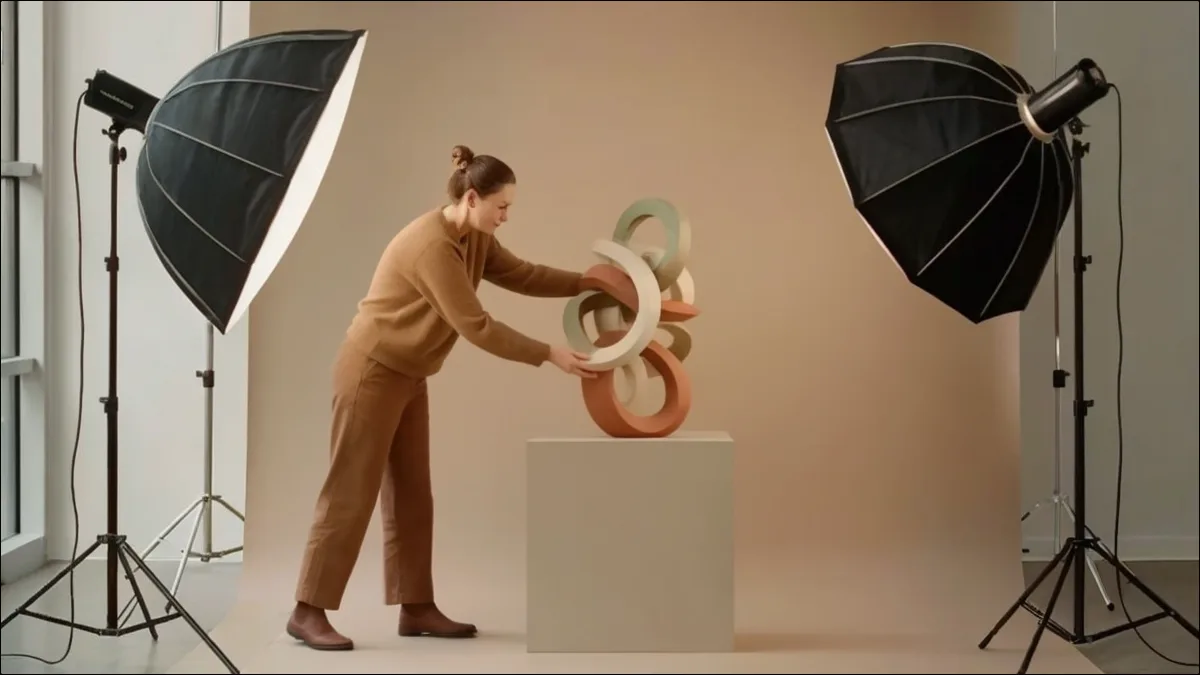 Artist photographing artwork for portfolio website with professional lighting
Someone sees your work at an opening, remembers your name a week later, and types it into a search bar. What comes back is your website, or it is nothing. That moment is the whole argument for having one.
Why Artists Need Portfolio Websites
A website is the one professional space online that you control. Social media profiles depend on algorithms, formats, and account policies that change without asking you. Your own site stays where you put it, looks how you designed it, and outlives every platform migration.
Galleries, curators, collectors, and program administrators all expect to find one. What they find, or fail to find, shapes how they read the rest of your materials.
Choosing a Portfolio Platform
Portfolio Website Platforms
| Platform | Cost/Year | Best For |
|---|---|---|
| Artsume | Free | CV + portfolio + applications |
| Squarespace | $144-288 | Design-focused portfolios |
| Cargo | $99-350 | Unique creative layouts |
| WordPress | $48-300+ | Maximum customization |
| Wix | $96-288 | Beginners, quick setup |
| Format | $72-252 | Photographers |
Website Builders
Platforms like Squarespace, Wix, and Format provide templates optimized for visual portfolios without requiring technical knowledge.
Advantages:
- No coding required
- Professional templates
- Built-in hosting and security
- Mobile optimization included
- Ongoing support and updates
Considerations:
- Monthly costs ($12-30+/month)
- Template limitations on customization
- Platform dependency
Best for: Most artists seeking professional presence without technical complexity.
WordPress and Custom Solutions
WordPress with portfolio themes or custom-built sites offer maximum flexibility but require more technical investment.
Advantages:
- Complete design control
- No platform dependency
- Extensive customization possible
- Lower ongoing costs (hosting only)
Considerations:
- Steeper learning curve
- Ongoing maintenance required
- Security responsibility
Best for: Artists with technical skills or budget for developer assistance seeking unique presentation.
Artist-Specific Platforms
Platforms built for artists rather than for websites generally, like Artsume, Artwork Archive, or ArtCloud, trade some design flexibility for tools you would otherwise assemble yourself: CV management, inventory tracking, a connection to open programs and opportunities, and visibility inside an arts community rather than a general web audience. The trade-off is real, and it comes down to whether you want a site or a working system. Why artists use Artsume as a free website alternative lays out the comparison honestly, including where a dedicated builder wins.
Essential Website Elements
Portfolio Gallery
Your primary content, the work itself. Gallery presentation should:
- Load quickly with optimized images
- Display work at adequate size
- Include easy navigation between pieces
- Provide work information (title, date, medium, dimensions)
- Work well on mobile devices
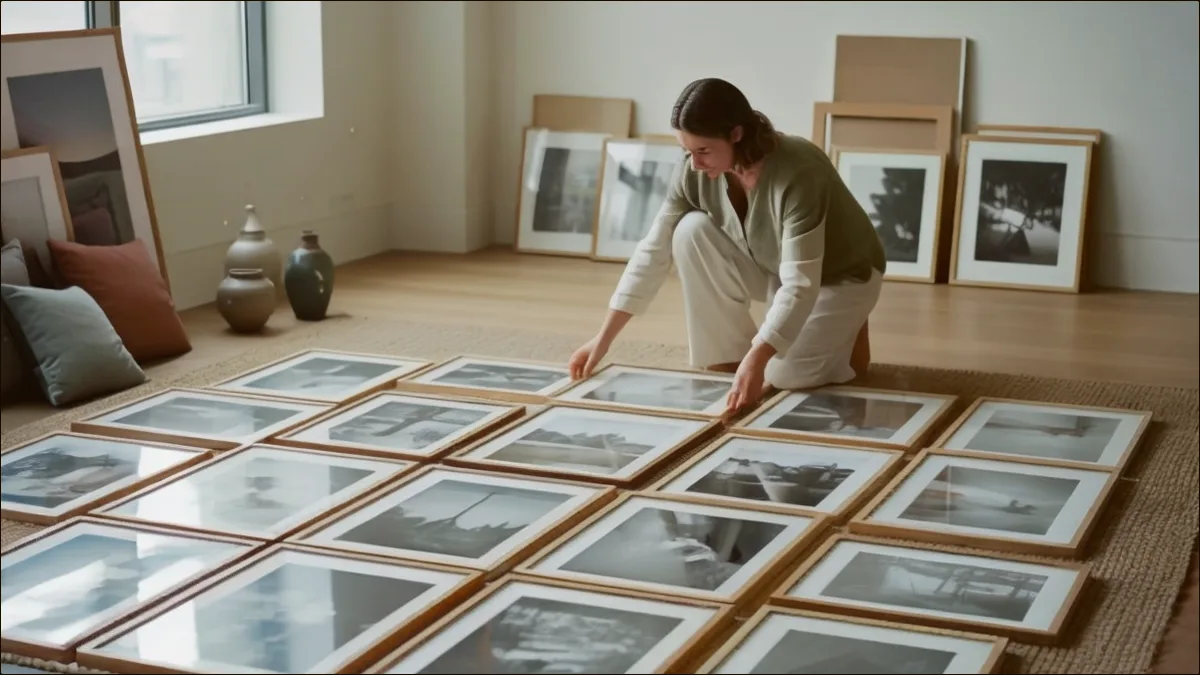
How you group and sequence those images matters as much as which ones you include; organizing an artist portfolio covers series, projects, and running order.
About/Bio Page
Visitors want context about who you are. Include a professional biography in third person, your artist statement, a headshot, and any background that helps someone place your work. Keep it to two or three paragraphs. Nobody reads the fourth.
CV Page
Your professional history formatted for web viewing:
- Education
- Selected exhibitions
- Awards, grants, residencies
- Collections, publications
- Contact information
Update it as your career develops, and format it properly while you're there. The CAA format guide covers the conventions galleries expect, and Artsume's CV builder keeps the document current from your profile entries instead of asking you to maintain two copies.
Contact Information
Make contact easy:
- Email address (professional, not personal)
- Contact form option
- Social media links if relevant
- Studio location if appropriate
Design Principles for Artist Websites
Let the Work Speak
Minimalist design prevents competition with your artwork. Clean layouts, neutral colors, and simple typography focus attention on the images.
Avoid:
- Busy backgrounds
- Decorative elements competing with work
- Complex navigation
- Autoplay audio or video
Prioritize Image Quality
Images are your primary content, and a website amplifies whatever quality your files already have. High resolution, accurate color, consistent presentation, and fast loading are the whole list. If the source files aren't there yet, documenting your artwork comes before choosing a template.
Mobile Responsiveness
Significant traffic comes from mobile devices. Test your site on phones and tablets. Ensure:
- Readable text at mobile sizes
- Easy navigation on touch screens
- Image galleries function properly
- Contact information is accessible
Clear Navigation
Visitors should understand site structure immediately. Use conventional labels: Work or Portfolio, About, CV, Contact. Don't get creative here. Clarity matters more than cleverness, and a visitor who can't find your images leaves.
Building Your Portfolio Website
1. Gather Your Materials
Before building, prepare:
- High-resolution images of portfolio work
- Work information (titles, dates, media, dimensions)
- Artist statement
- Professional biography
- CV content
- Professional headshot
The portfolio best practices guide covers how to select and prepare that set before you start uploading.
2. Choose Your Platform
Select based on your needs:
- Simplicity and speed: Squarespace, Format
- Maximum customization: WordPress
- Integrated artist tools: Artsume
3. Set Up Structure
Create basic pages:
- Home/Portfolio
- About
- CV
- Contact
Configure navigation for clear access.
4. Upload and Organize Work
Add portfolio images with complete information. Organize into series or categories if appropriate. Test loading speed and display quality.
5. Write Your Content
Complete about page, artist statement, and CV. Write in clear, professional language. Have someone proofread before publishing.
6. Optimize for Search
Basic search optimization is mostly a matter of not hiding: put your name in page titles, write descriptive alt text for every image, mention your city if location matters to your practice, and give each page a clear description. Once traffic starts arriving, profile analytics tell you who is looking and what they open.
7. Connect Your Domain
Professional domains (yourname.com) strengthen credibility. Most platforms include domain connection; purchase through domain registrars like Namecheap or Google Domains.
Your website is often someone's first impression of your practice. Invest in presentation quality matching your work quality. A polished website signals professional seriousness.
Common Website Mistakes
The failures repeat across thousands of artist sites. Over-designed templates compete with the artwork instead of framing it. Portfolios that stop updating in 2021 suggest a practice that stopped too. Navigation that hides the work behind a splash page or an unlabeled menu loses visitors in seconds; test it on someone who has never seen your site.
The rest is maintenance. Low-resolution or badly lit images undermine strong work no matter how good the layout is. Incomplete pages, dead links, and a missing email address read as carelessness. Walk your own site end to end once a quarter and click everything.
Frequently Asked Questions
How much should I spend on my portfolio website?
Basic professional websites cost $150-400/year (platform subscription plus domain). Higher-end custom solutions may cost more upfront but have lower ongoing costs. Budget for what you can sustain long-term.
Do I need to know how to code?
No. Modern website builders like [Squarespace](https://www.squarespace.com/) and Format require no coding. Drag-and-drop editors handle most customization needs. Technical skills are only necessary for highly custom solutions.
How often should I update my website?
Update whenever you have significant new work, typically quarterly at minimum. Review all content annually for accuracy. Before major applications, ensure your site reflects current practice.
Should I include prices on my website?
Generally, no. Prices complicate direct relationships and may not reflect gallery pricing if you're represented. Direct interested parties to contact you or your gallery for pricing information.
What about social media instead of a website?
Social media complements but doesn't replace portfolio websites. You don't control social platforms: algorithms change, accounts get suspended, formats shift. Your website remains stable professional presence you control.
Next Steps
Prepare your images and supporting materials first, because the platform decision is easier once you know what you're putting on it. Then pick a platform that matches your skills and budget, set up a simple structure, upload the work with complete information, write the text carefully, and connect a real domain.
Your site is one part of a professional presence. Social platforms feed it rather than replace it, which social media for artists covers in detail, and if you plan to sell directly from the site, selling art online covers the platforms and payment side. When the portfolio itself needs work, start with how to build an artist portfolio, and if galleries are the audience you're building for, preparing a portfolio for galleries is the next read.
Create your Artsume profile to keep your portfolio, CV, and applications in one place. The portfolio setup walkthrough covers uploads and organization, and sharing your profile covers the single link you send when someone asks to see more.
Build your portfolio
Show your work in a free, professional online artist portfolio.