Your Artsume profile, on every physical surface.
An Apple Wallet pass on their phone. A printed Artist Card they can scan. A business card you can hand off. An artwork label that links to the full work. One identity, every surface.
No credit card required

Three steps to get set up.
Build your Artsume profile
Your CV, portfolio, statement and confirmed credits live in one artist-controlled profile.
Generate your passport assets
Apple Wallet pass, Artist Card, business card PDF, and artwork labels. Artsume generates every surface from the same profile.
Hand off, scan, display
At openings, at gallery walls, in someone's phone. Your full profile is always one tap away.
Your profile, CV, and portfolio are all included. Create your Artsume.
The four surfaces of your Artsume Passport.
One identity. Every surface a QR away from your full profile.
Wallet pass
Apple Wallet · Google Wallet
Deep dive
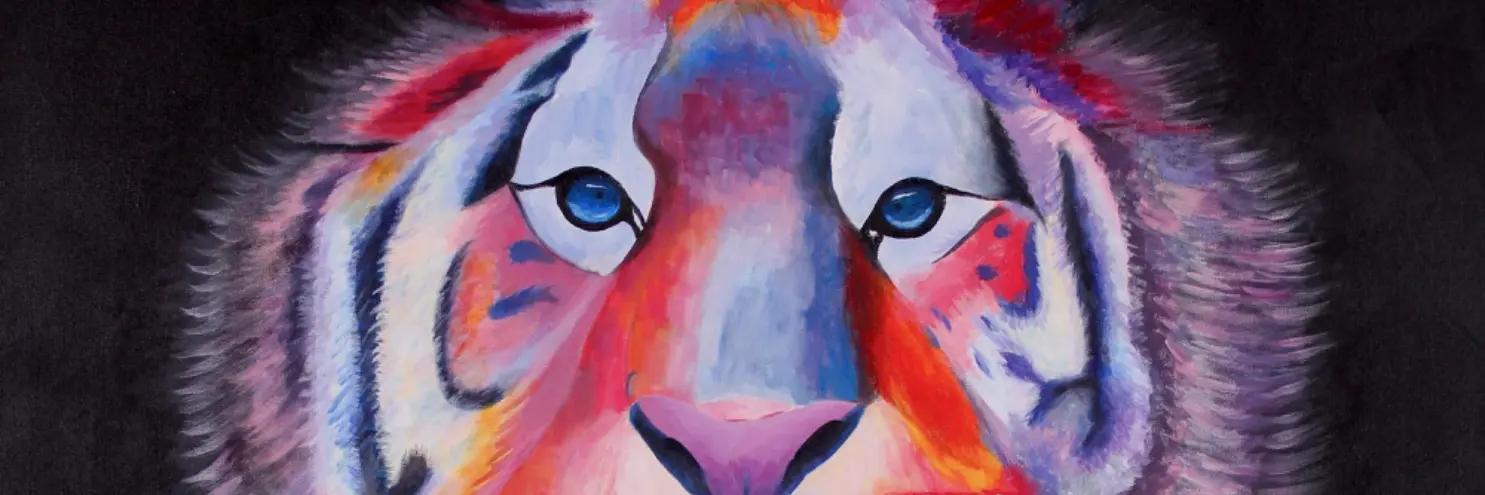

Linda Rozenfeld
Artist Card
Printed card · scannable at openings
Deep dive

Linda Rozenfeld
Painter · Toronto
www.artsume.com
artsume.com/a/linda-rozenfeld
ARTSUME
Business card
Print-ready PDF
Deep dive
Lion
2021
Linda Rozenfeld
Courtesy of the
artist
Artwork label
QR to the work's full page
Deep dive
Every surface points back to the same profile.
The QR on your wallet pass, your printed Artist Card, your business card, and every artwork label encodes the same URL: artsume.com/a/your-handle. Update your profile once, and curators who scan any surface see the new version.
What you get:
- Bring your profile to openings and studio visits.
- Put a wallet pass on their phone.
- Hand over a printed card they can scan.
- Print a business card that links to you.
- An artwork label opens the work's full page.
Common questions. Straight answers.
What is the Artsume Passport?
A bundle of physical-surface assets that link back to your artist-controlled Artsume profile. It includes an Apple/Google Wallet pass, a printed Artist Card, a print-ready business card PDF, and artwork wall labels.
Do I need to buy each surface separately?
No. Every surface is included free with your Artsume profile. The QR code on every surface points to the same artsume.com/a/your-handle URL.
Can the QR code be customized?
Yes. Every QR includes the Artsume logo at the center, and you can regenerate it at any time if your handle changes.
How do galleries scan the QR?
Any modern phone camera recognizes the QR code automatically. The code opens your live profile, with no app download required.
Is the Passport free?
Yes. The Artsume Passport is included free for every artist on Artsume. No subscription, no upsell.
Why the Passport matters
Why offline still matters in the art world
Even in 2026, most career-defining moments happen in person: studio visits, openings, fairs, residency interviews. The Passport lets the person you just met pull up your full work history in seconds, instead of searching for you on Google.
One identity, no duplicates
Every Passport asset pulls from the same profile. Update your CV once and the next person who scans your QR sees the latest version. No re-printing, no re-sending.
Part of your Artsume profile
And the profile behind it.
What you get:
- Present your work and career in your professional art resume.
- Keep your CV current as your career develops.
- Find opportunities matched to your work and experience.
- See how often your profile and works are opened.
- Keep every opportunity, deadline and application in one place.
- Message organizations and peers without leaving Artsume.
Build your Passport, and the profile behind it. It's free.
Free to join · No credit card required