The Artist Update: Artwork Labels, a Linked CV, and a Smarter Portfolio
Print-ready artwork labels with QR codes, a portfolio editor that adapts to your work type, a CV that links to the organizations behind your entries, and an artist settings modal that opens from anywhere on Artsume.

- Print-ready artwork labels for every portfolio work, with logo QR codes
- Type-aware portfolio editor with chip palettes per work type
- Structured edition, sale, and catalog fields on portfolio works
- Artist settings, now a modal that opens from anywhere
- CV publications and bibliography link to organization pages
- Featured Artist program with interviews and verified CV entries
- Portfolio reorder modal and a portfolio export modal
The Artist Update
We just shipped a redesign of the organization side of Artsume. While that was happening, the artist side was getting a long list of upgrades of its own — labels, a smarter portfolio editor, a settings modal, CV entries that link to real organizations, and a new Featured Artist program.
This is the round-up for artists.
Artwork labels, ready to print
Every portfolio work now has a Label action. Click it and you get a dialog that generates a professional, print-ready PDF label for the piece — title, medium, dimensions, year, edition info, your name, your handle, and a logo QR code that points back to your profile.
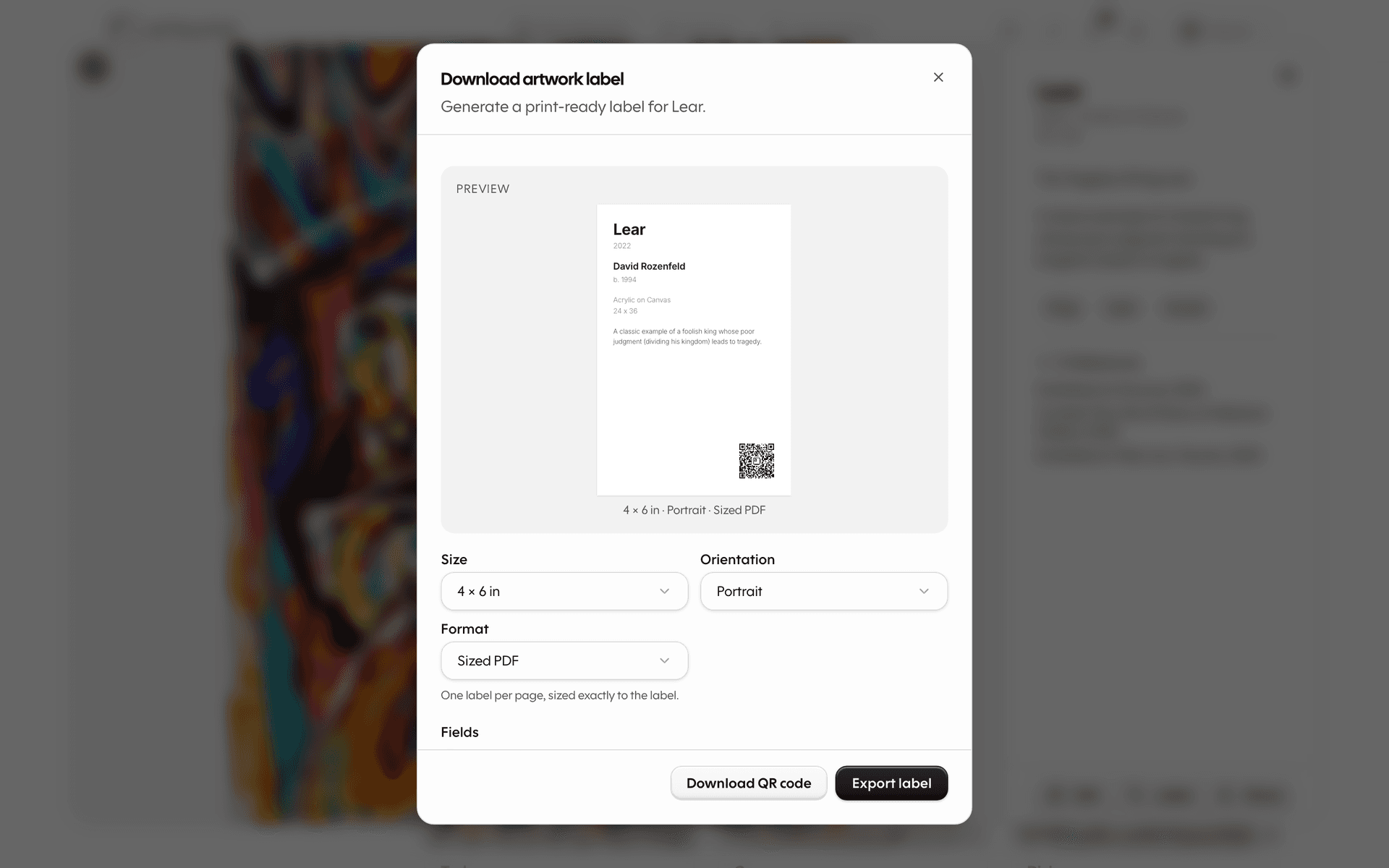
It's the kind of label you'd see beside a piece in a gallery or fair. You pick the size, the orientation, and the format, and Artsume renders the PDF on the fly. The preview in the dialog is the same template the PDF uses, so what you see is what prints.
Behind the scenes, the label pulls from a new set of structured fields on each work — dimensions, medium, year, edition number, catalog number — so the same data drives your portfolio, your label, and the public work page. Fill it in once, use it everywhere.
You can read the full feature page at /artist-passport/artwork-label.
A portfolio editor that knows your work type
The portfolio editor used to be one big form for every kind of work. A photograph and a performance got the same set of fields. That's been rebuilt.
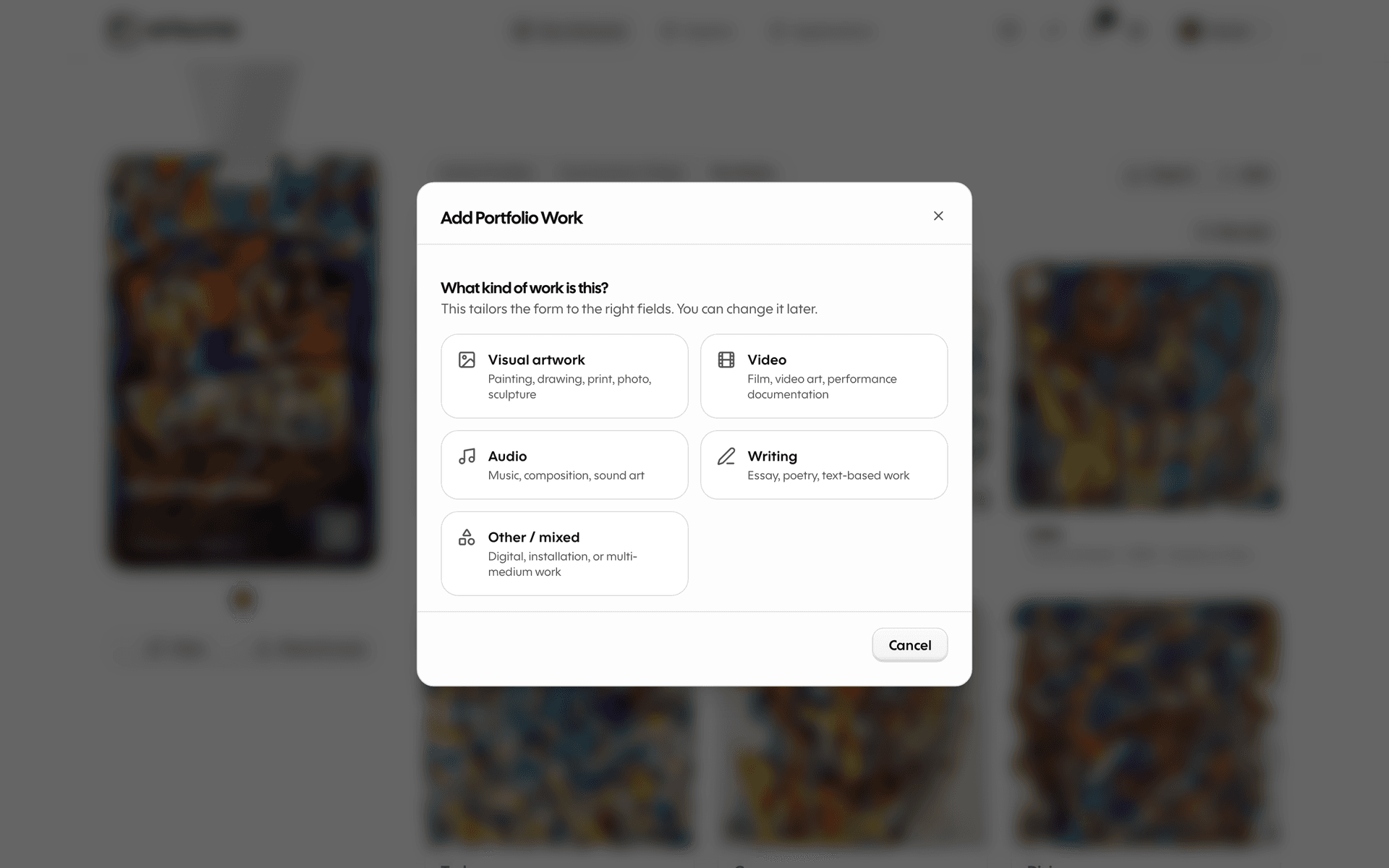
When you add or edit a work, the first step is picking a work type — painting, photograph, sculpture, installation, video, performance, and so on. The editor adapts:
- A chip palette offers the fields that actually make sense for the type you picked. Painters get medium-on-substrate chips. Photographers get edition and print-process chips. Performance artists get duration and venue chips.
- A header switcher at the top of the modal lets you change the work type without losing the data you've already filled in.
- Edition, sale, and catalog details have their own grouped fields when they're relevant.
The result: less scrolling through fields that don't apply, more accurate detail when curators are looking at your work, and a cleaner experience on mobile.
CV publications and bibliography, linked to organizations
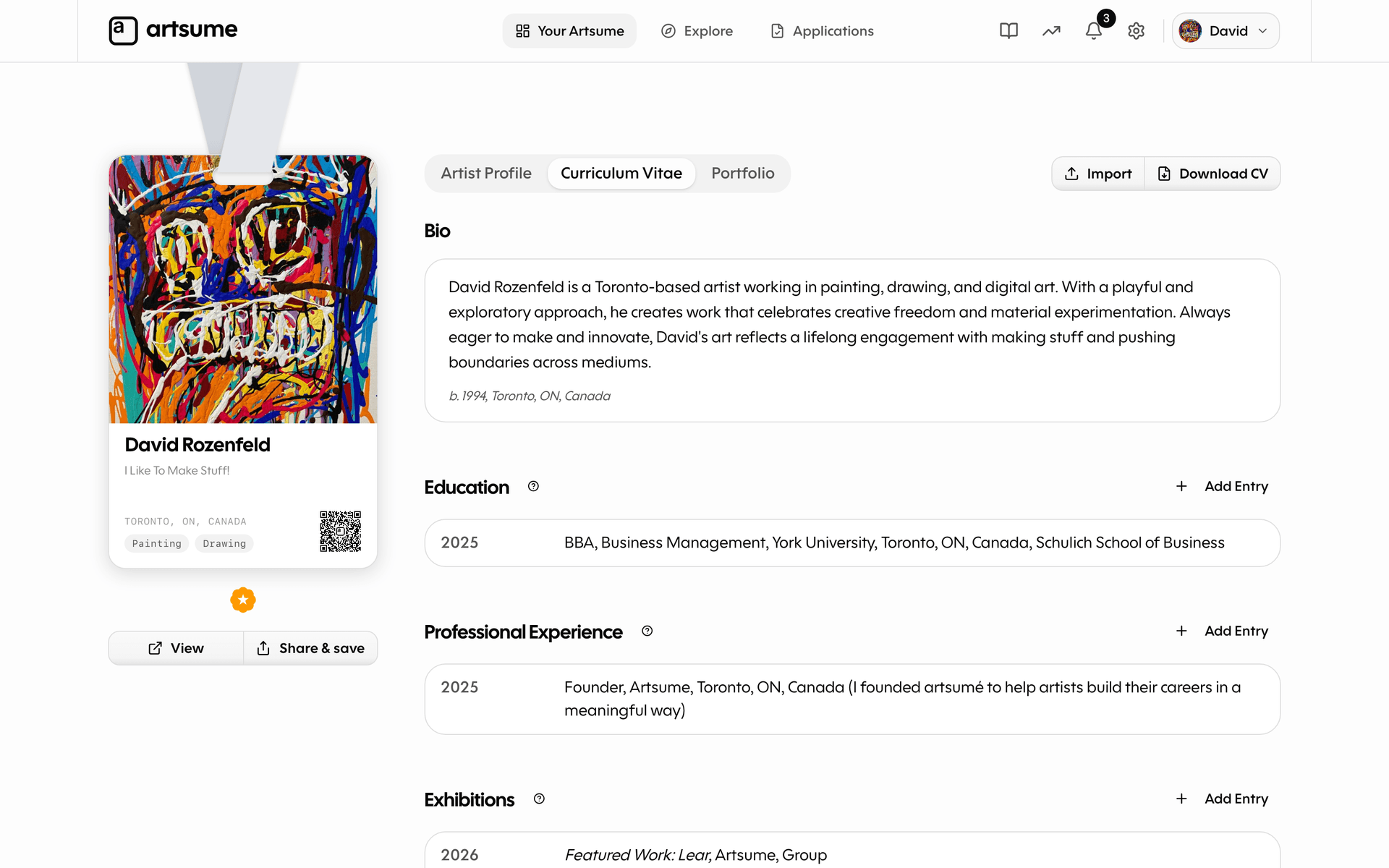
CV exhibitions have linked to organization pages for a while — when an artist's CV lists a show, the gallery's name is a real link to the gallery's profile.
Now CV bibliography and CV publications work the same way. When you cite a feature in Artforum or a press piece from a museum, you can pick the organization from a typeahead and the entry links to their page. The same verification flow applies — verified entries get the bolder sky-blue badge, and the organization sees the claim on their Affiliated Artists page.
The publication text itself stays editable separately from the organization link, so you can edit the citation without affecting which org it points to.
A new Featured Artist program
We've started featuring artists on the homepage in a more substantial way. When an artist is featured:
- A short editorial interview lands as a new entry in your CV.
- The featured artwork or article lands as an exhibition or publication entry, with a verified badge and a link to the feature on Artsume.
- Your card appears in the Featured Artist lanyard carousel on the homepage.
Everything propagates automatically. There's nothing to fill in — if you're selected, your CV and profile update in place.
If you'd like to be considered for a feature, your portfolio, CV, and statement are what we look at. Filling them out well is the path.
Settings, now a modal
The artist settings pages used to live at separate /settings/... routes. You'd click a link, lose your current view, and have to find your way back. Like the org side, settings now opens as a modal — over your current screen, with a left rail of sections on desktop and a drill-down list on mobile.
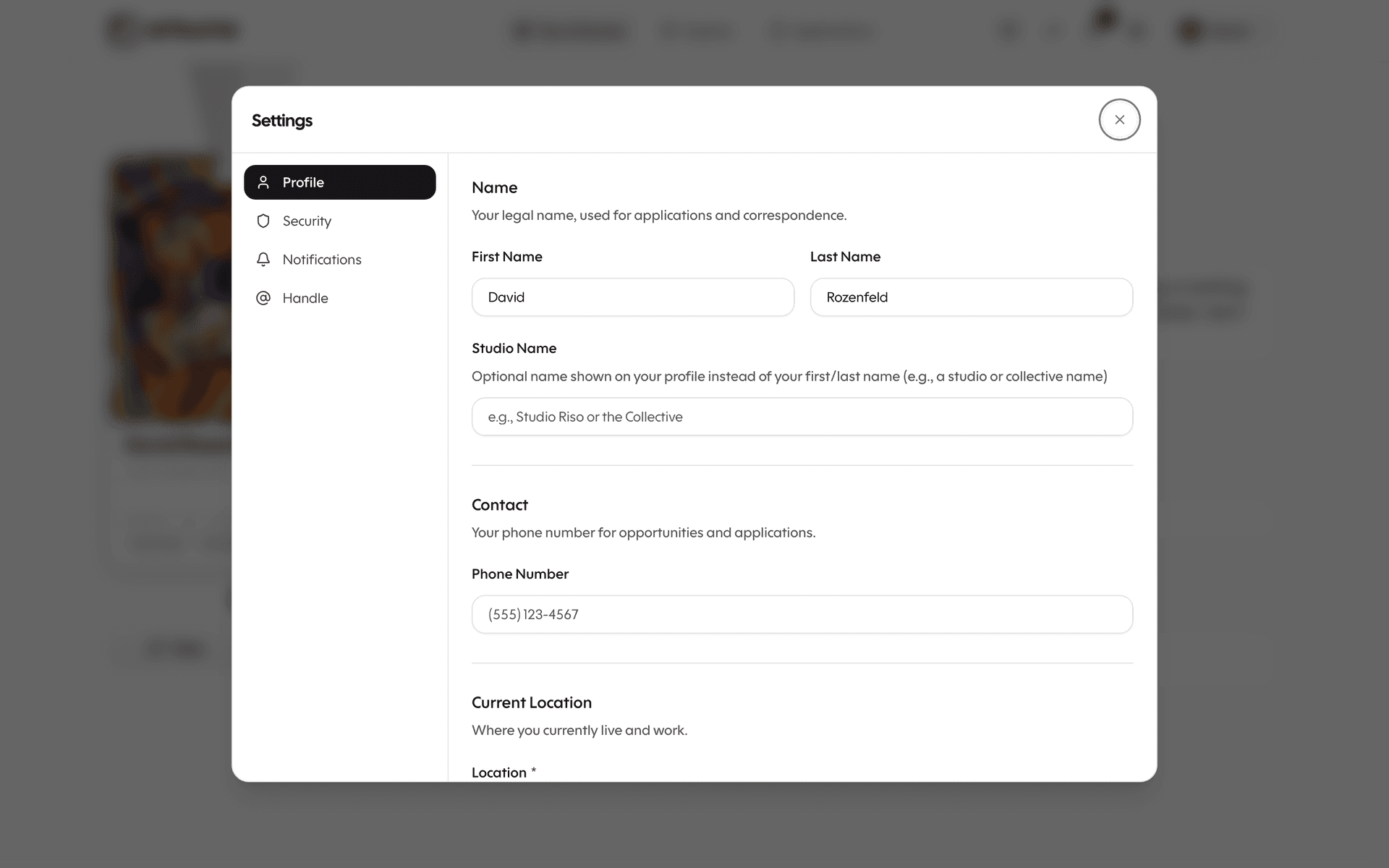
Inside:
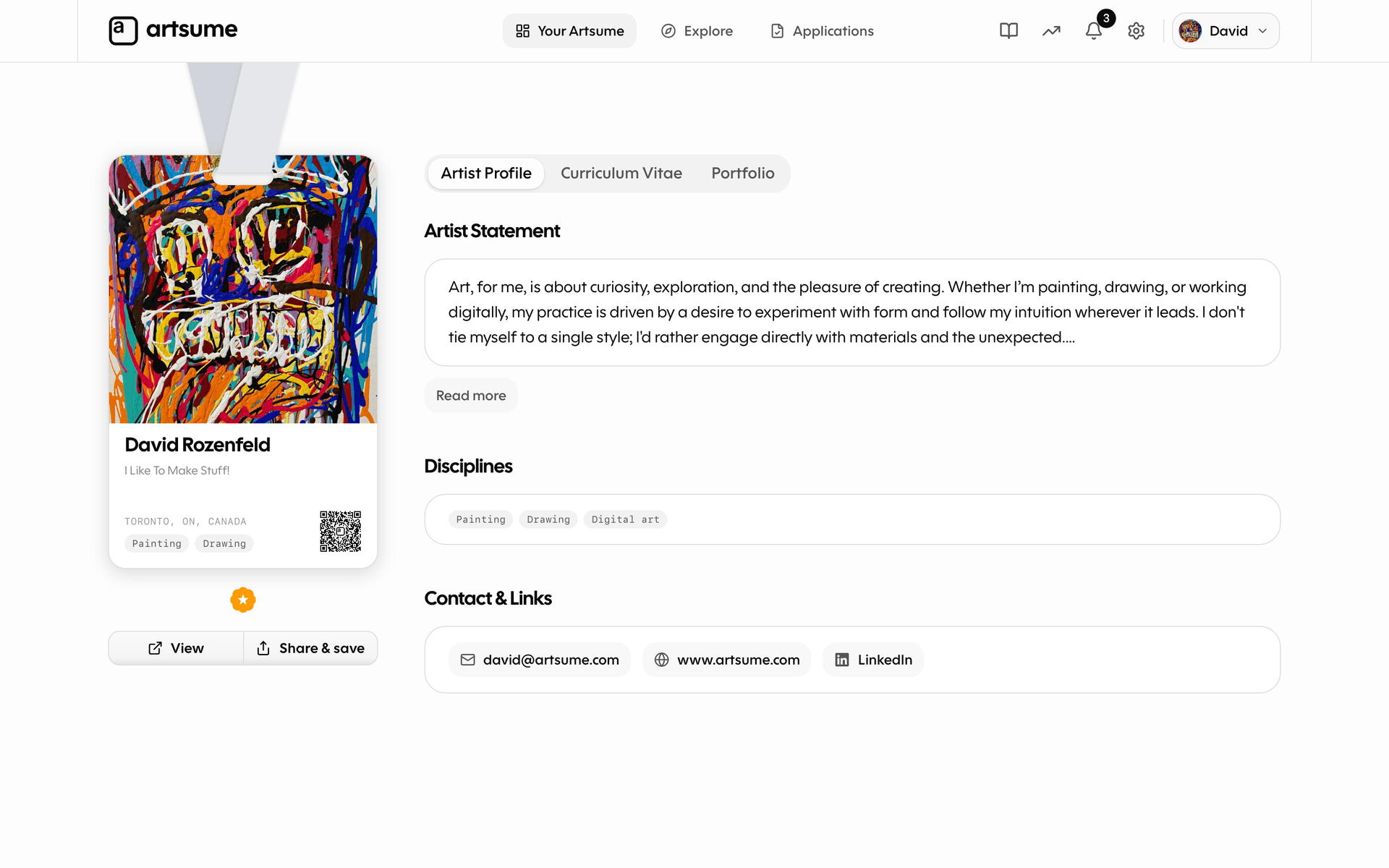
- Profile — your name, location, headline, disciplines, statement, and contact info
- Security — email, password, active sessions, and account deletion
- Notifications — category-level toggles, not a 30-line toggle grid
- Handle — your
artsume.com/<handle>URL
Settings links from the chrome, the mobile drawer, and old ?openSettings= URLs in emails all open the modal in place. There's no /settings page to bookmark anymore — the modal is the experience.
Simpler notifications
The notification preferences page used to be a long grid of channel × event toggles. It's now three category toggles — Applications, Reminders, and Marketing — each controlling both in-app and email notifications for that group of events.
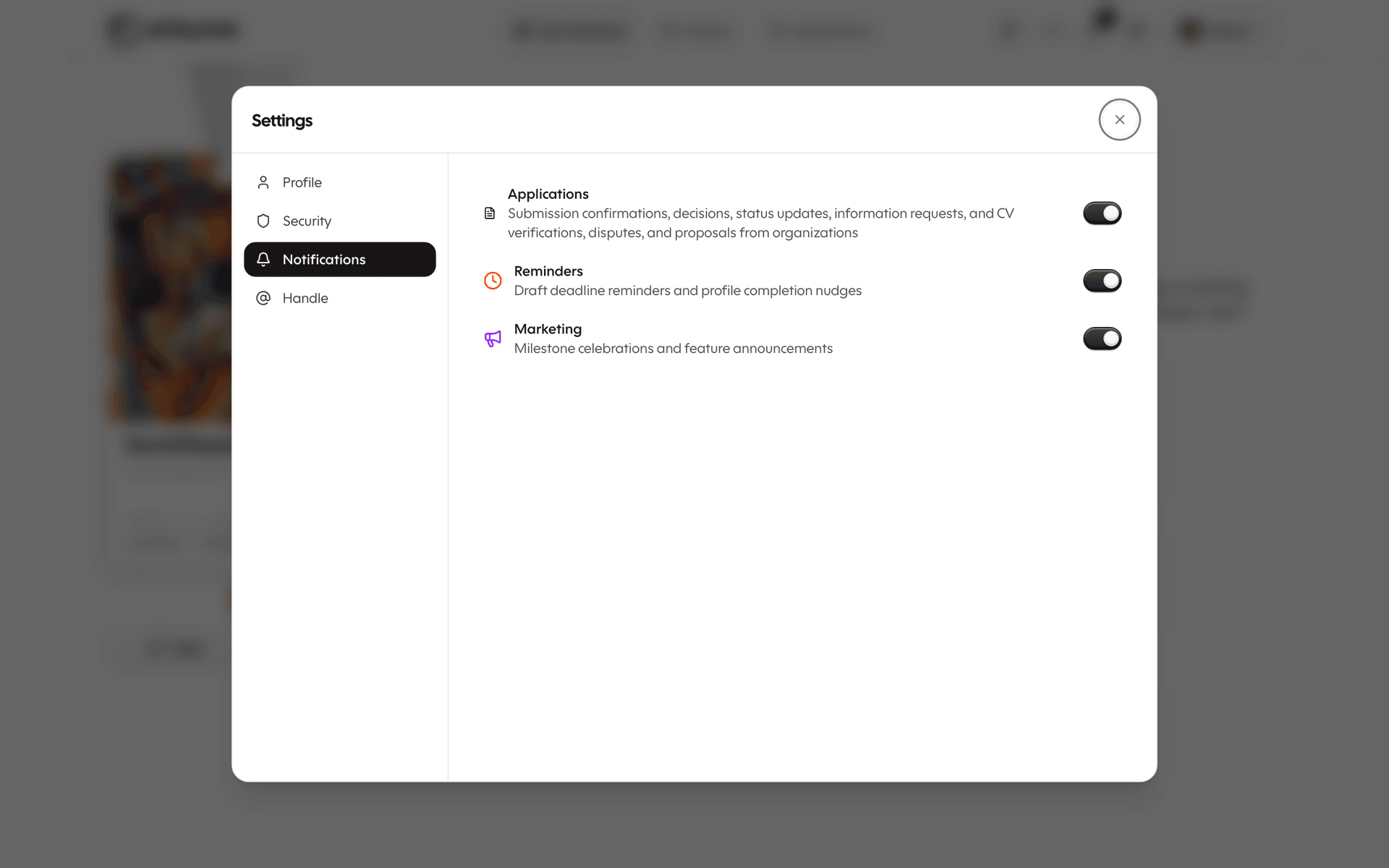
Transactional emails (decision letters, password resets, payment receipts) always come through, regardless of marketing preferences. That separation is now clean and explicit.
Account deletion that actually deletes
Account deletion used to soft-disable your account and leave a lot of data behind. It's been rebuilt as a true delete:
- Your profile, CV, portfolio, statement, and settings are removed.
- Your applications that haven't been submitted are deleted.
- Submitted applications stay with the organizations that received them, anonymized via a contact snapshot — they were sent to the org and they're the org's record now.
- CRM contacts that organizations had on you get an automatic break — references to your deleted profile become null.
You won't be referenced as a "ghost user" anywhere on the platform anymore. If you delete, you're gone.
Smaller things, worth knowing
- Logo QR codes are now consistent everywhere — your business card, your wallet pass, your artwork labels. One look, one identity.
- Portfolio autosave no longer aborts the save when a single optional field has a partial value. Type a price, leave the edition blank, and your title still saves.
- Verification badges on CV entries got a visual refresh: solid sky-blue, higher contrast, easier to spot at a glance.
- The public work page shows the same label fields your printed label uses — medium, dimensions, year, edition — so the public view matches the wall.
- Artist page skeletons were rebuilt to match the actual DOM that loads, so the page no longer jumps when content arrives.
What's next
The next set of artist-side work is about discovery and reach — making it easier for curators to find you, for fellow artists to connect with you, and for opportunities to come to you instead of the other way around.
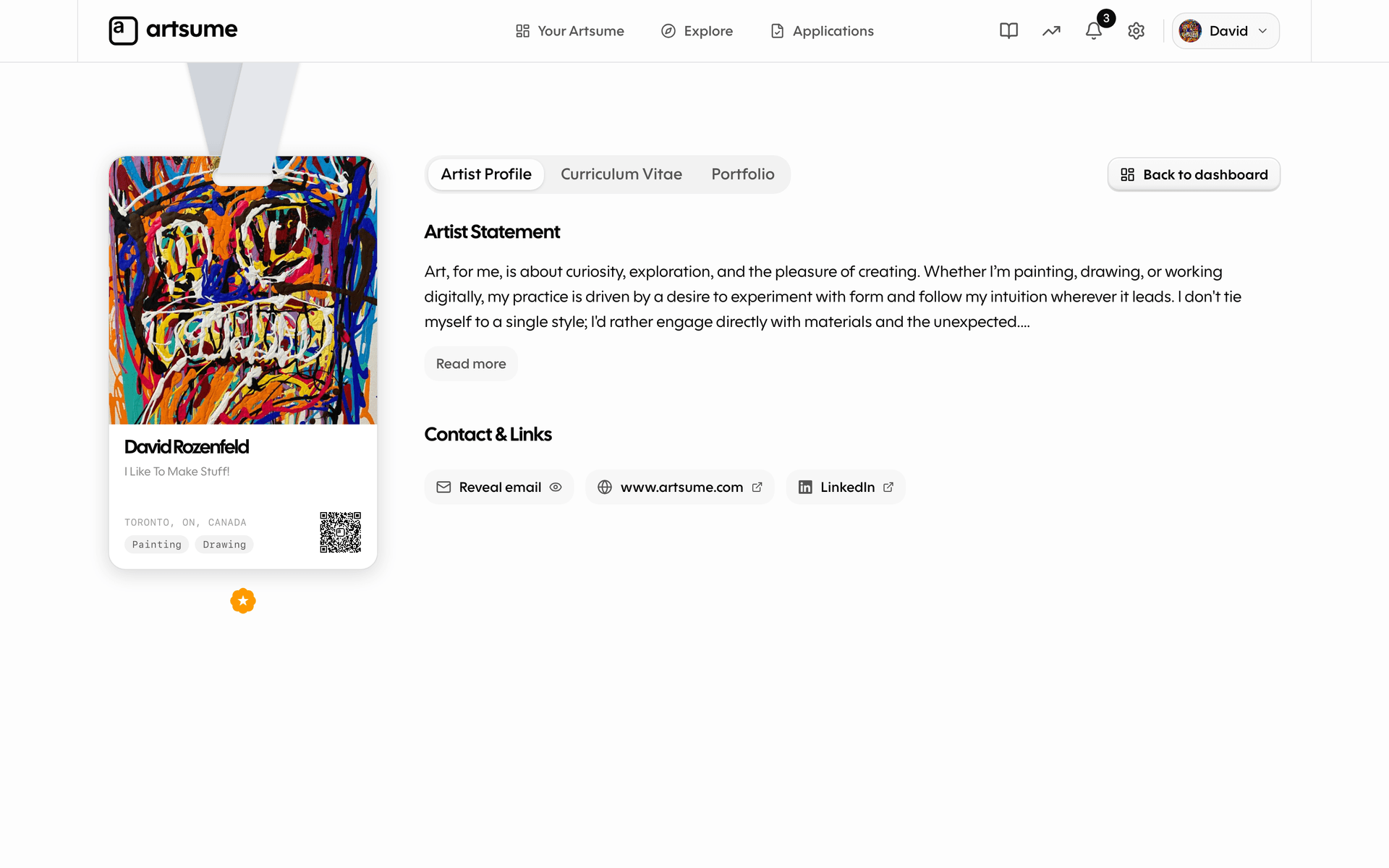
In the meantime, the best thing you can do is fill out the new fields. A complete portfolio with structured details means better labels, better feature consideration, and a more useful public profile. Open your dashboard and have a look.
Topics
Related Updates
The Org Redesign: A New Home for Organizations on Artsume
A ground-up rebuild of the organization side of Artsume — a unified dashboard, a redesigned opportunity builder, a faster applications workspace, a smarter artist network, and a settings experience that finally feels at home.
A Cleaner Contact Surface, Top to Bottom
A new quick-fill contact card on the apply form, clickable contact details in the review workspace, and a handful of bug fixes for older applications.
The Unified Applications Hub: Track Every Application in One Place
Manage every opportunity you're applying to (on Artsume or anywhere else on the web) from a single dashboard. New grid and pipeline views, a redesigned workspace for drafting applications, and portfolio + CV exports tailored to each submission.